Guide
I Just Bought a House With a Smart Home System. What Do I Do First?
Get the admin passwords in writing, find out whether the installer still answers the phone, then fix the network and power before touching anything else. A four-week plan for new owners in Montecito, Hope Ranch and Santa Barbara.
If you just bought a house with a smart home system, the first thing to do is get the administrator passwords for the network and the control system in writing, and the second is to find out who installed it and whether they will still answer the phone. Everything else in the first 30 days follows from those two answers. Here is the order we walk new owners through in Montecito, Hope Ranch and Santa Barbara, where most homes above a certain size change hands with a system nobody explained.
Week one: find out what you own
Get the credentials. Ask the seller, the seller's agent and the estate manager for the admin logins to the router, the WiFi, the control processor (Crestron, Control4, Savant or Lutron), the cameras and any cloud accounts tied to the house. If nobody has them, the system is not fully yours yet. A factory reset of a control processor wipes the programming, so do not try to force your way in. This is the single most common reason a new owner ends up needing a system takeover.
Find the integrator. Look for a label inside the equipment rack, a sticker on the router, or an invoice in the closing documents. Call them. If they answer and will meet you at the house, you are in good shape. If the number is dead or the company has moved on, note it and keep going.
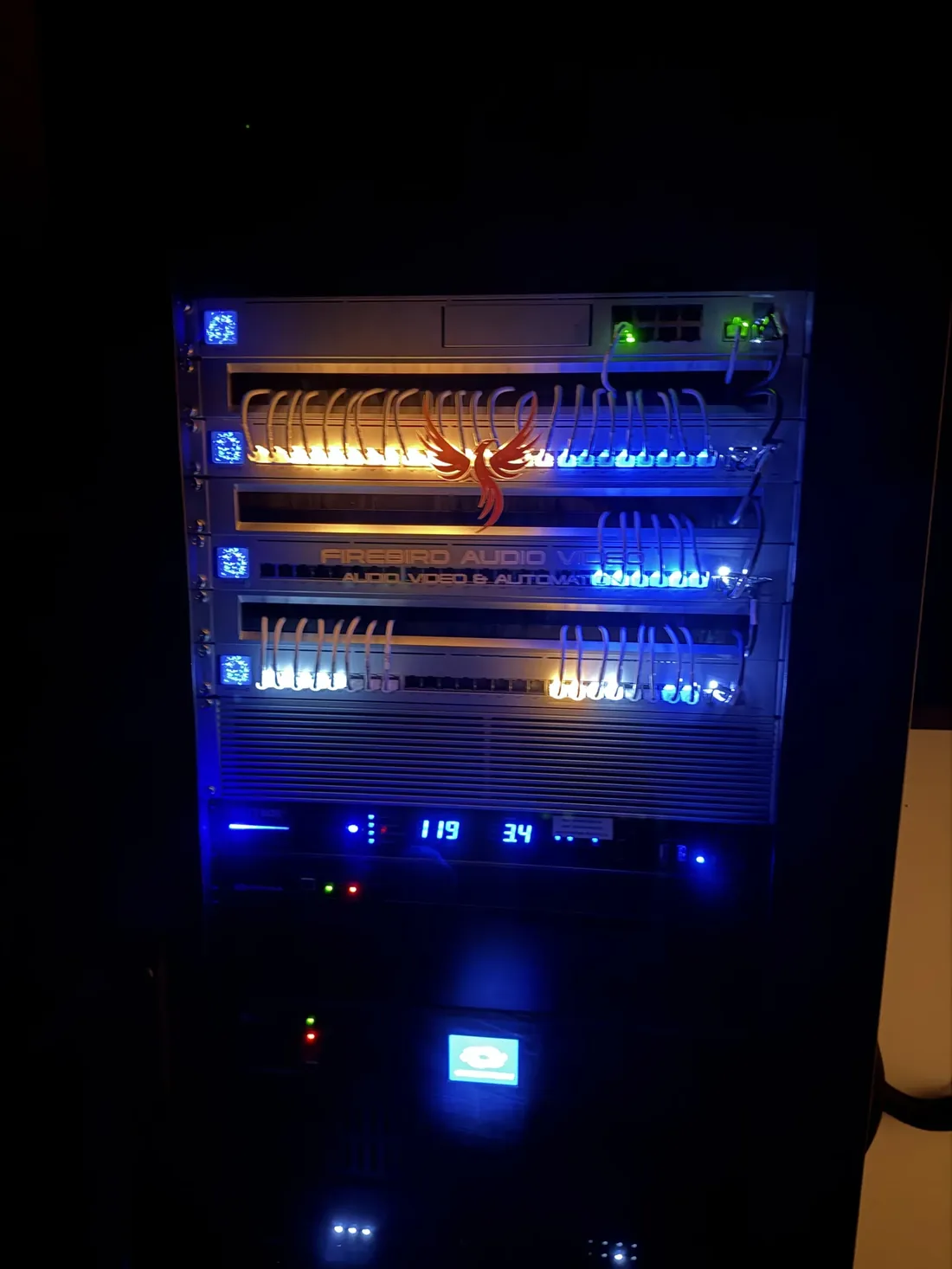
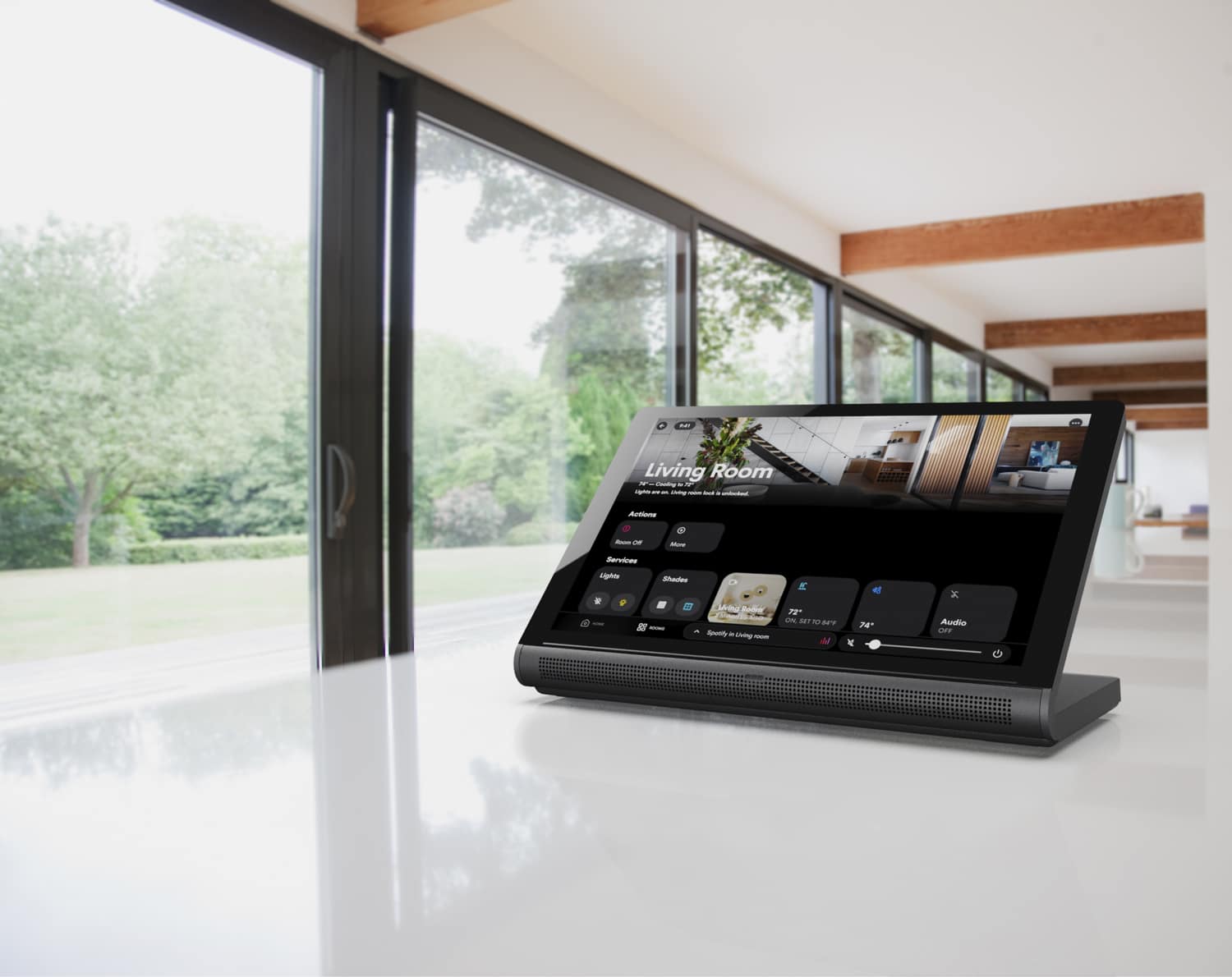
Walk the house with a notebook. Every keypad, touch panel, thermostat, camera, speaker grille and TV. Write down what works, what does nothing, and what you cannot figure out. Photograph the rack and the network closet before anyone touches them. You will want the "before" later.
Change what you can safely change. The WiFi password and the camera passwords, if you have admin access. Leave the control system programming alone until someone who understands it is in the room.
Week two: make it stable
The network comes first. Nearly every "the system is flaky" complaint we hear from new owners is a network problem: a router that was consumer-grade to begin with, a switch that lost power during escrow, access points that were never updated. A healthy network makes everything on top of it behave. If you do nothing else in the first month, have the network checked. Our home network cost guide explains what a proper one involves.
Check the power. Find the UPS battery backups in the rack. If they are chirping or their batteries are more than five years old, replace them. A rack that loses power during a PSPS shutoff comes back in an unpredictable order, and that is where ghost problems start.
Update, carefully. Control systems, lighting hubs and streaming boxes all want firmware updates after sitting idle through a sale. Some updates are harmless. Some break integrations the previous owner's integrator spent days tuning. This is a job for whoever will service the system going forward, not a Saturday project.
Week three: decide who services it
By now you know whether the original integrator is reachable and responsive. There are three outcomes.
- They are great. Set up a service relationship, ask for the documentation and drawings, and get the credentials transferred into your name. You are done.
- They are reachable but slow, or they will not hand over passwords. That is a warning sign. Credentials for your own house belong to you, full stop. Get a second opinion from another integrator before you commit.
- They are gone. You need a takeover: an audit of the wiring, network and equipment, a document you own that describes it, stabilization of the network and power, and then ongoing support. Our system takeover page explains what that involves.
Whoever you choose, ask them the ten questions in our guide to choosing an AV integrator. The answers tell you more than the brochure.
Week four: make it yours
Reprogram for how you live. The previous owner's "Dinner" scene is not your dinner. Lighting scenes, shade schedules, which speakers play where, what the keypad by the bed does at midnight. These are small programming changes that make the house feel like it belongs to you, and they are the first thing we do once a system is stable.
Decide what stays. A twelve-year-old system can still be excellent at its core. Lutron keypads and wiring last decades. Streaming boxes, cameras and WiFi access points do not. A good integrator will tell you what to keep, what to replace this year, and what can wait. Our lifespan and upgrade guide lays out typical timelines.
Get the documentation in your hands. A rack diagram, a network map, a list of every device with its login, and a drawing of where the wires go. When you sell the house, this is what makes the system an asset instead of a question mark. It also makes you the owner who never has to read a post like this one again.
The short version
- Get the admin passwords in writing. Do not reset anything.
- Find and call the installer. Judge them by whether they answer.
- Fix the network and the power first. Most problems live there.
- Choose who services the system. If the installer is gone, get a takeover audit.
- Reprogram the house for your life and get documentation you own.
Planning a project?
If you have just closed on a house in Santa Barbara, Montecito or Hope Ranch and the system came with no passwords and no paperwork, that is exactly what we do. Send us a photo of the rack and we will tell you what you are looking at before anyone bills an hour.