Guide
Your Installer Disappeared. Here Is How a System Takeover Actually Works.
When the company that installed your control system is gone, the choice is not rip it out or hope someone can reprogram it. A takeover has six steps. Here they are, using a Santa Ynez estate as the example.
Every few weeks someone calls us with the same story. The house has a control system. The touch panels have faded or gone dark, one zone of music is dead, the gate camera stopped recording, and the company that installed it all has closed, been sold, or simply stopped answering. The owner has a binder with no drawings in it and a rack nobody wants to open.
This is a system takeover, and it is one of the jobs we do most. It is also the one people understand least, because the first instinct is either "rip it all out" or "surely someone can just reprogram it." Neither is usually right. Here is how a takeover actually works, step by step, using an estate in Santa Ynez we completed this year as the example.
Step 1: The inventory visit
Before anyone quotes anything, we spend half a day in the house with a label maker, a camera and a laptop. We open every rack and enclosure, photograph every panel, trace what we can, and log every device: make, model, firmware, whether it still powers on, whether the manufacturer still supports it. We also note what is not there: the programming files, the network diagram, the admin passwords, the as-built drawings.
In Santa Ynez the inventory found a control installation decades old, touch panels faded past reading, WiFi that predated streaming, and a generation of undocumented wiring additions, none labeled. The original programming files were nowhere to be found. That last point matters more than any single piece of hardware, and we come back to it below.
Step 2: Keep, fix or replace, in writing
The inventory becomes a plain list. Every item is sorted into one of three columns:
- Keep. Working, supported, and worth leaving alone. Good speakers, well-run wiring, recent amplifiers and shades often land here. Replacing things that work is how takeovers get expensive for no reason.
- Fix. Working badly, but repairable: a failed power supply, a zone with a bad termination, a camera that needs a firmware update and a new mount.
- Replace. Dead, unsupported, or holding everything else hostage. Control processors with no programming files, network gear that cannot run modern WiFi, and anything the manufacturer has abandoned usually end up here.
You get this list before we talk about a proposal. It is the honest version of the job, and it is the document that stops a takeover from quietly becoming a full replacement.
Step 3: The programming question
This is the fork in the road. Control systems run on a program written by the original installer, and on most platforms that program lives in a file the installer keeps. If the file exists and we can get it, we can often take over the existing processor, clean it up and extend it. If it does not exist, the processor cannot be changed, only replaced.
So the first phone call in any takeover is to the previous company, if it still exists, asking for the project files and the network details. Sometimes they hand them over the same day. Sometimes the company is gone. When the files are gone, as they were in Santa Ynez, the control platform goes in the replace column no matter how good the hardware looks, because a system nobody can edit is a system that fails permanently every time something small changes.
Step 4: Backbone first
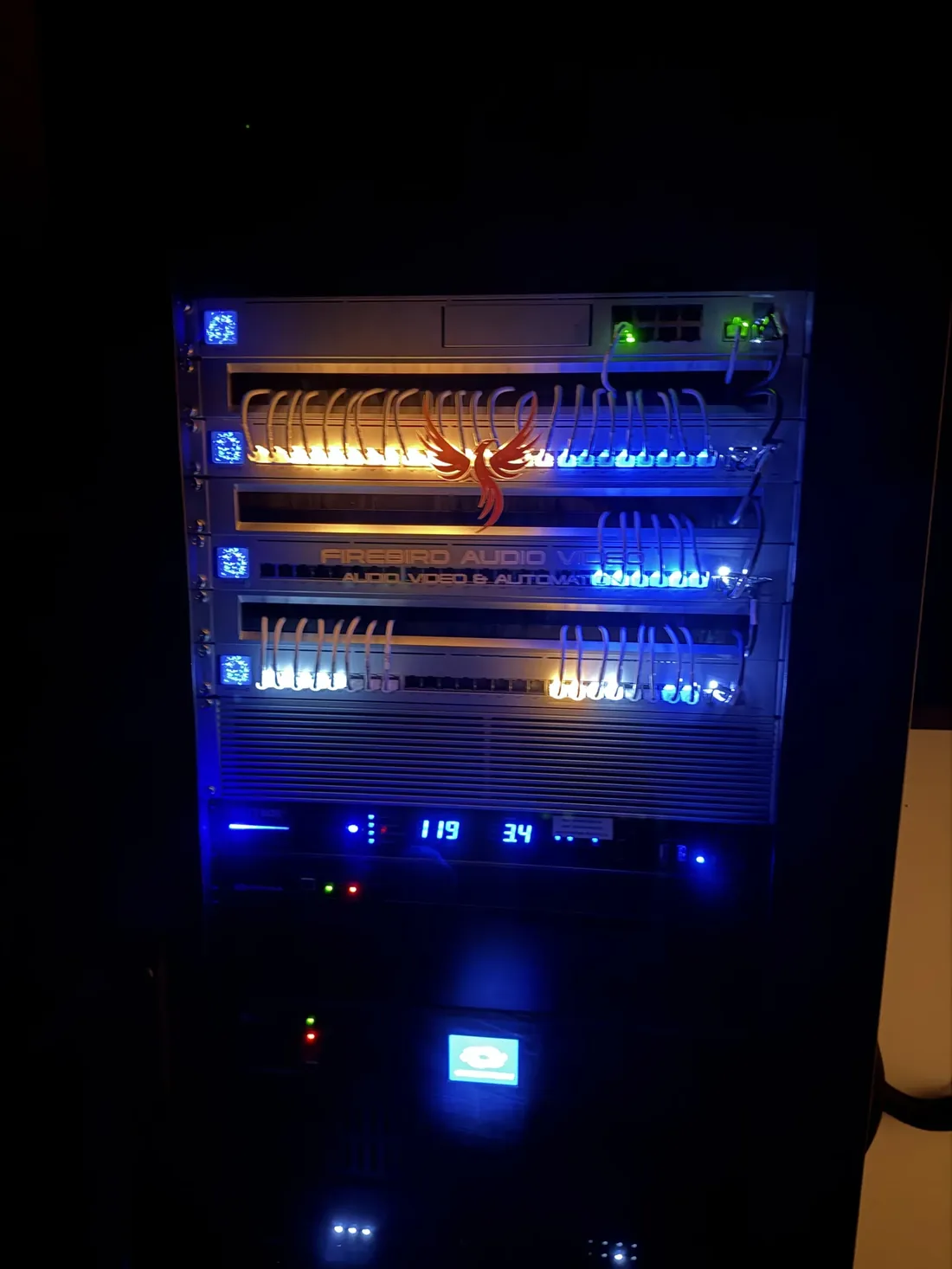
Every modern system rides on the network, so the network goes in first and everything else is built on top of it. In Santa Ynez that meant an enterprise gateway, six switches, twenty-two WiFi 7 access points covering the house and the grounds, and 2,000 feet of buried fiber between buildings, all behind new structured wiring and a 42U rack with dual UPS units. Nothing user-facing changed yet. The family just noticed the WiFi worked.
Doing the backbone first is what makes the rest of the job calm. Each old subsystem can be moved onto the new network one at a time, tested, and only then cut over.
Step 5: Cut over room by room
A takeover almost always happens in an occupied home, which rules out the renovation approach of switching everything off for a month. We sequence the work so each system stays live until its replacement is proven. Audio zones move one at a time. Lighting keypads are swapped one room at a time, with the old scene names kept so nobody has to relearn the house. Touch panels go in last, once every system behind them is already working.
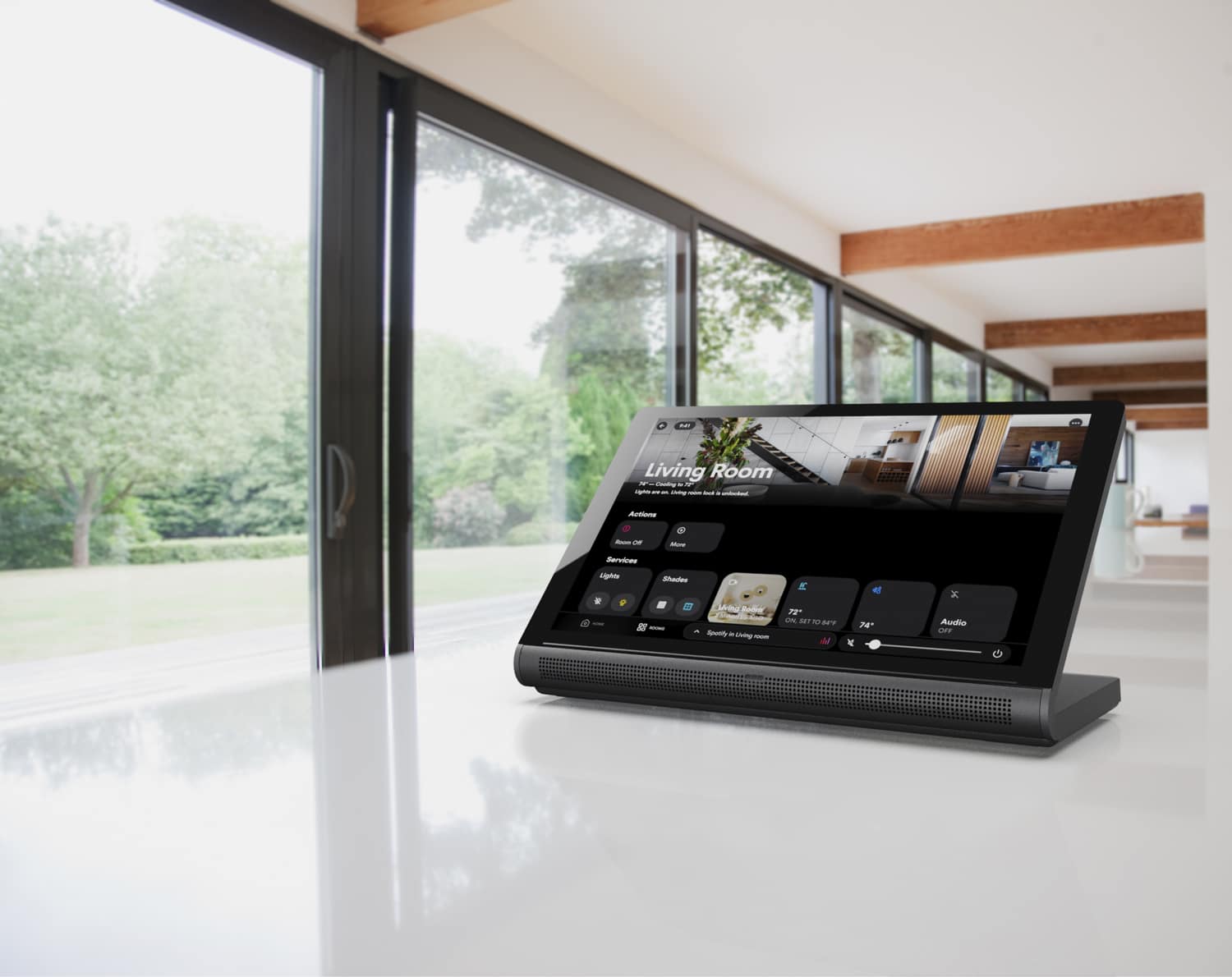
In Santa Ynez that meant 24 audio zones and 16 new Crestron Home panels landing over a few weeks on a hard deadline, with the house functioning throughout. The case study has the photos, including the ones that are not pretty, because that is what the middle of a takeover looks like.
Step 6: Document everything, then hand it over
The thing the previous installer did not leave behind is the thing we make sure you have. Every cable labeled at both ends. A rack elevation and a network diagram. The programming files, backed up where you and we can both reach them. Admin logins in a password manager you own. A short training session for whoever runs the house day to day, and a service plan if you want the system watched after we leave.
That handover is the real product of a takeover. The hardware will need replacing again in ten or fifteen years. The documentation is what makes the next change a small job instead of another rescue.
What a takeover is not
It is not a full replacement by another name. We keep what works. It is not a quick reprogram either, when the files are gone. And it is not something to put off: a system with no programming files does not get cheaper to fix as more of it fails.
If you are living with one of these systems
Start with the inventory visit. You will come out of it with a labeled rack, a written keep, fix or replace list, and a clear answer to the programming question. From there, a proposal is straightforward. Our system takeover page explains the service, and our cost estimator gives a starting range for the kinds of work that typically land in the replace column.